This page helps you choose the right website format
How to build a website with Fluw
Define the audience, primary action, pages, and source materials first. Fluw assembles a website you can review in a browser before connecting a domain or expanding complex logic.
Choose a goal
The right format depends on what a visitor needs to understand and do. Keep the first release focused on one main journey and the pages it needs.
- Company website
- For several services, case studies, company information, and different search entry points.Outcome: a section structure and a path to contact
- Landing page
- For one offer, audience, or campaign with one primary visitor action.Outcome: one focused narrative from offer to action
- Catalog
- For browsing products by category, specification, and company-provided data.Outcome: catalog, product page, and product enquiry
A client portal or internal tool starts with workflows, permissions, and data. Those products have a separate planning path. Explore portals and web tools ↗
Prepare materials
If one remains unresolved, the first version can expose the gap, but it cannot make the business decision for you.
Audience
Who arrives, what situation they are in, and what they already know about the offer.
Action
An enquiry, call, quote request, product choice, or move toward a purchase.
Content
Services, products, cases, answers, contacts, images, and documents.
Data
Which values are maintained manually and which must come from another system.
Describe the website
Describe the audience, page content, main visitor action and the visual direction. Here is a complete starting brief.
Build a company website: define the audience, primary action, first-release pages, available materials and data, and separate integrations or complex logic for assessment.
Refine the first version
Open the first version in your browser. Ask Fluw to shorten the introduction, add recent work or move the inquiry form. Check each change in the preview.
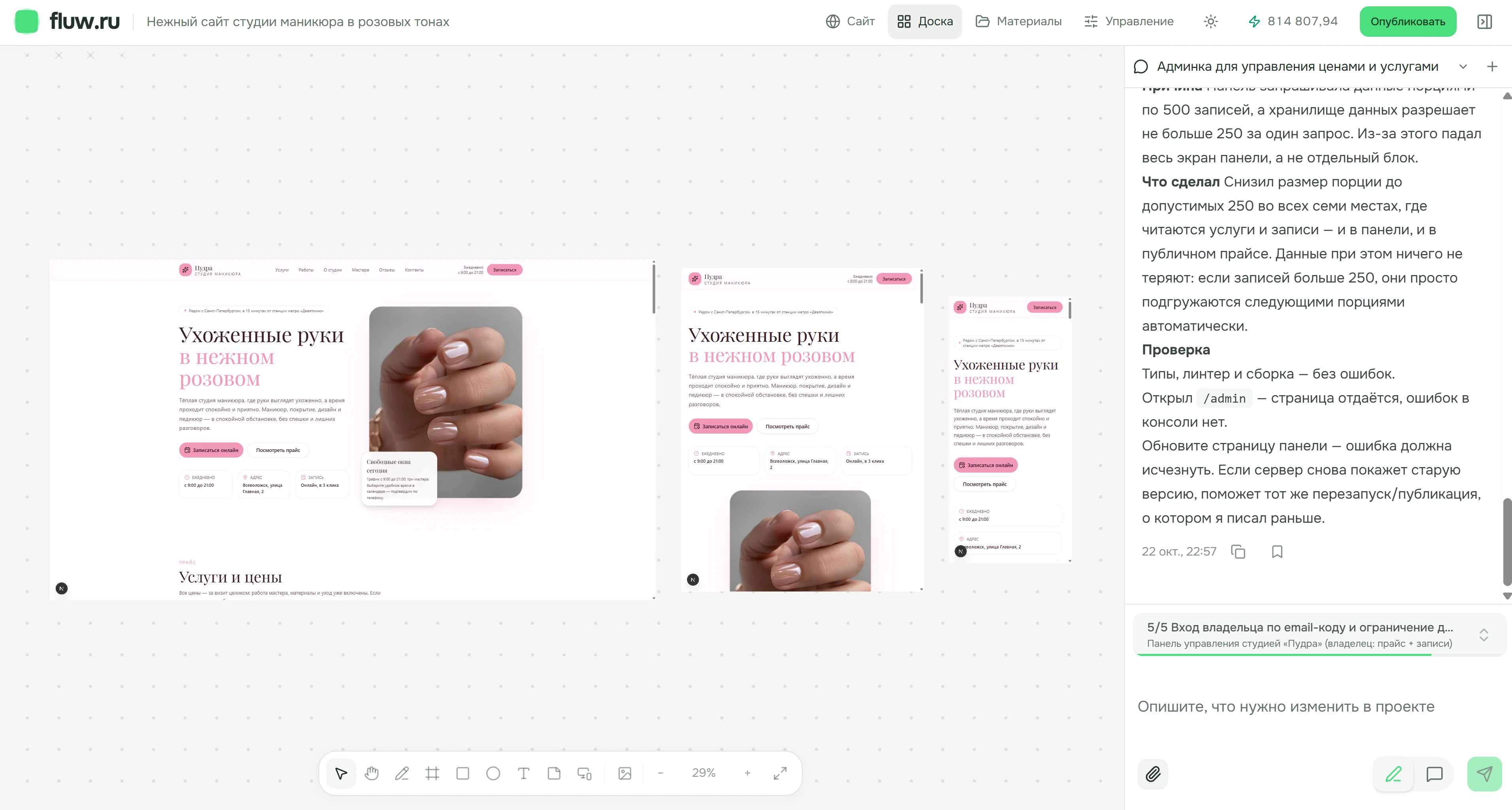
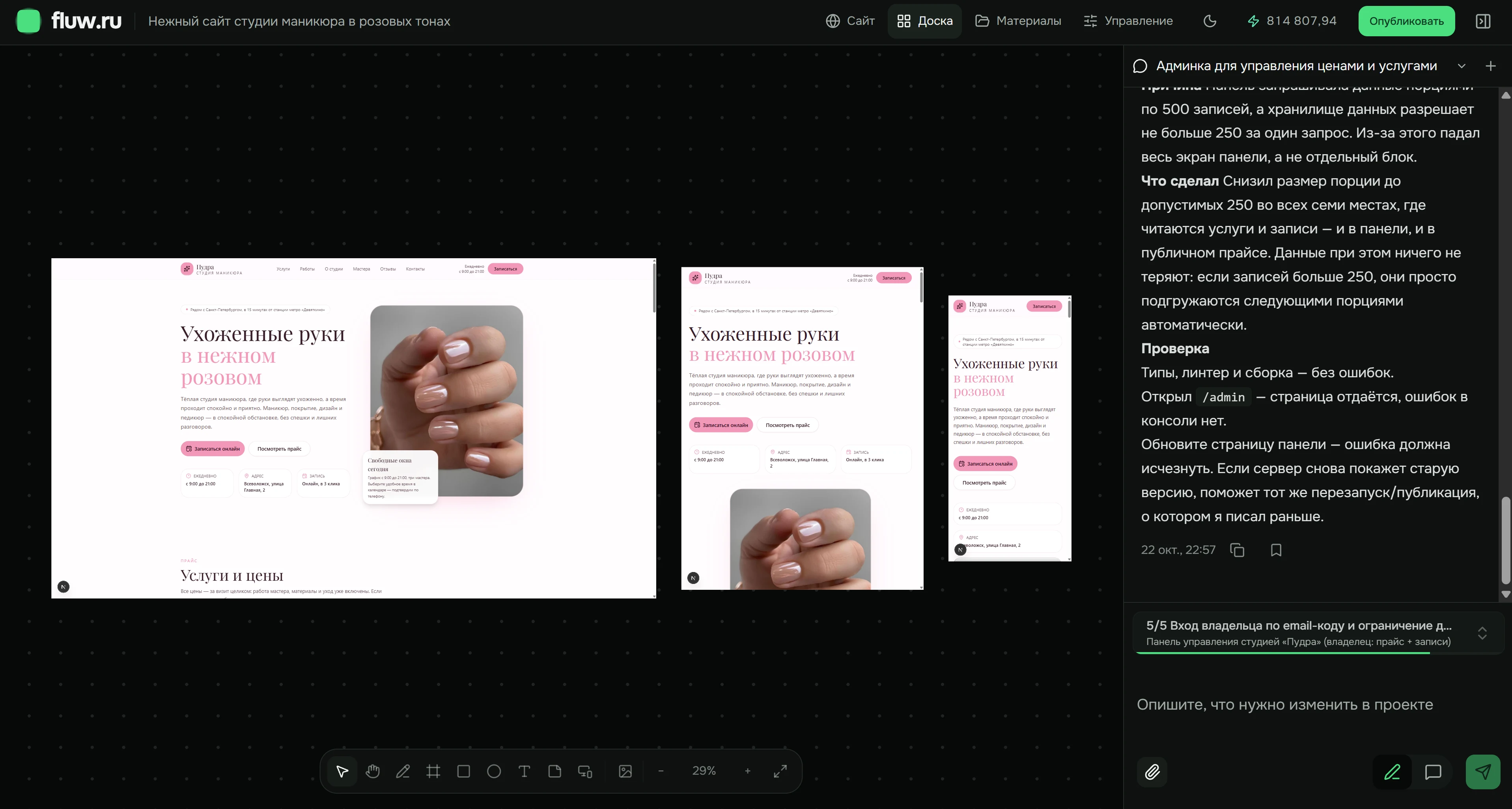
See what the first release contains before it is assembled
This supplier website example connects its pages to a specific audience, content, and primary action. It is not a generic finished project for every business.
- Home
- Catalog
- Equipment page
- About
- Contact
This is a page diagram using sample data. The company supplies and approves the copy, images, products, and facts used for publication.
Review the result
The team first walks through the main pages and checks what visitors will see and do.
- Every page makes the audience, offer, and next step clear.
- The website owner has checked copy, specifications, images, contact details, and legal information.
- Forms deliver data to the agreed recipient and explain errors to the visitor.
- Navigation and the key journey work on phone and desktop, including keyboard use.
- The team has agreed the domain, analytics, data-handling rules, and who maintains the site.
Publish
A browser version can be reviewed and refined. Connect the domain and direct visitors to it only after checking content, forms, mobile behavior, and required documents.
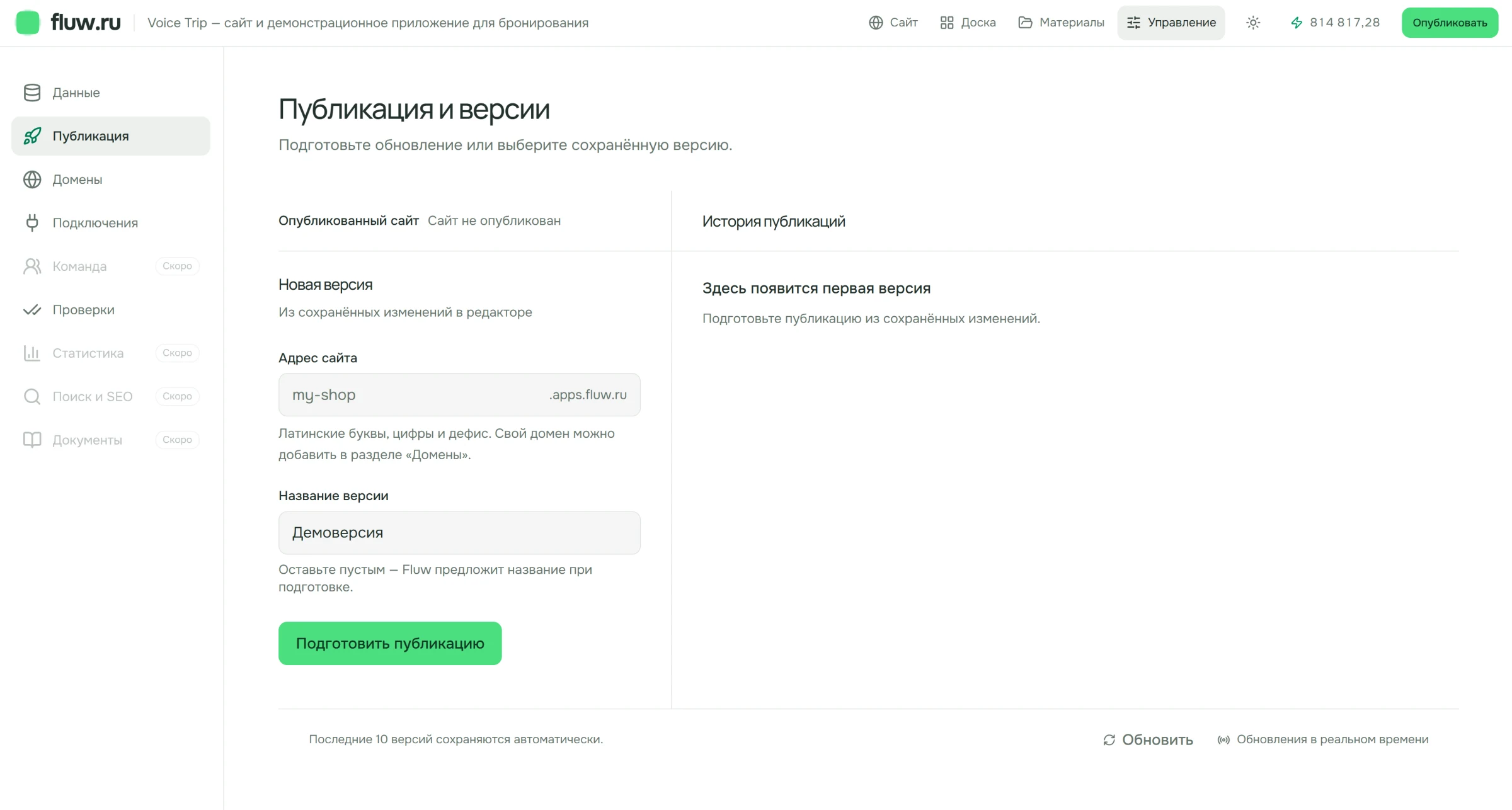
Separate website pages from external systems and complex logic
This keeps the first release testable and prevents unresolved work from becoming a hidden promise.
What the first version can establish
- Page structure, navigation, and the main visitor journeys.
- Copy, images, forms, and a catalog based on prepared data.
- Responsive presentation and ordinary content changes in the project.
What needs a separate assessment
- Live prices and stock from a CRM, accounting platform, or another external system.
- Payments, client accounts, complex permissions, and critical calculations.
- Custom server logic, data migration, and unusual operational requirements.
Questions to answer before building
Do I need to know every page in advance?
No. Start with the audience, primary action, and required materials. The first-release plan shows which pages support that journey and which can wait.
How is a company website different from a landing page?
A landing page explains one offer in one sequence. A company website gives several services, case studies, and company information their own pages.
Can I start a catalog without an integration?
Yes, if the product data and specifications are prepared. Automatic price, stock, or status updates from another system need a separate assessment.
What happens before publication?
The team checks the content, forms, mobile version, required documents, domain, and analytics. A first browser version does not by itself mean the site is ready for public traffic.
Where can I see current plan terms?
The Pricing page is the source for current plan scope. This page does not repeat prices or limits that may change.
Describe the first release of your website
Include the format, audience, primary action, and materials you already have. Keep unresolved integrations and logic as separate questions.