Your ideas. Your workspace. Fluw.
Create a website
or app with AI.
Fluw is a platform for building websites and web apps. Describe your goal, add your materials and work on your project in the browser.
See how it works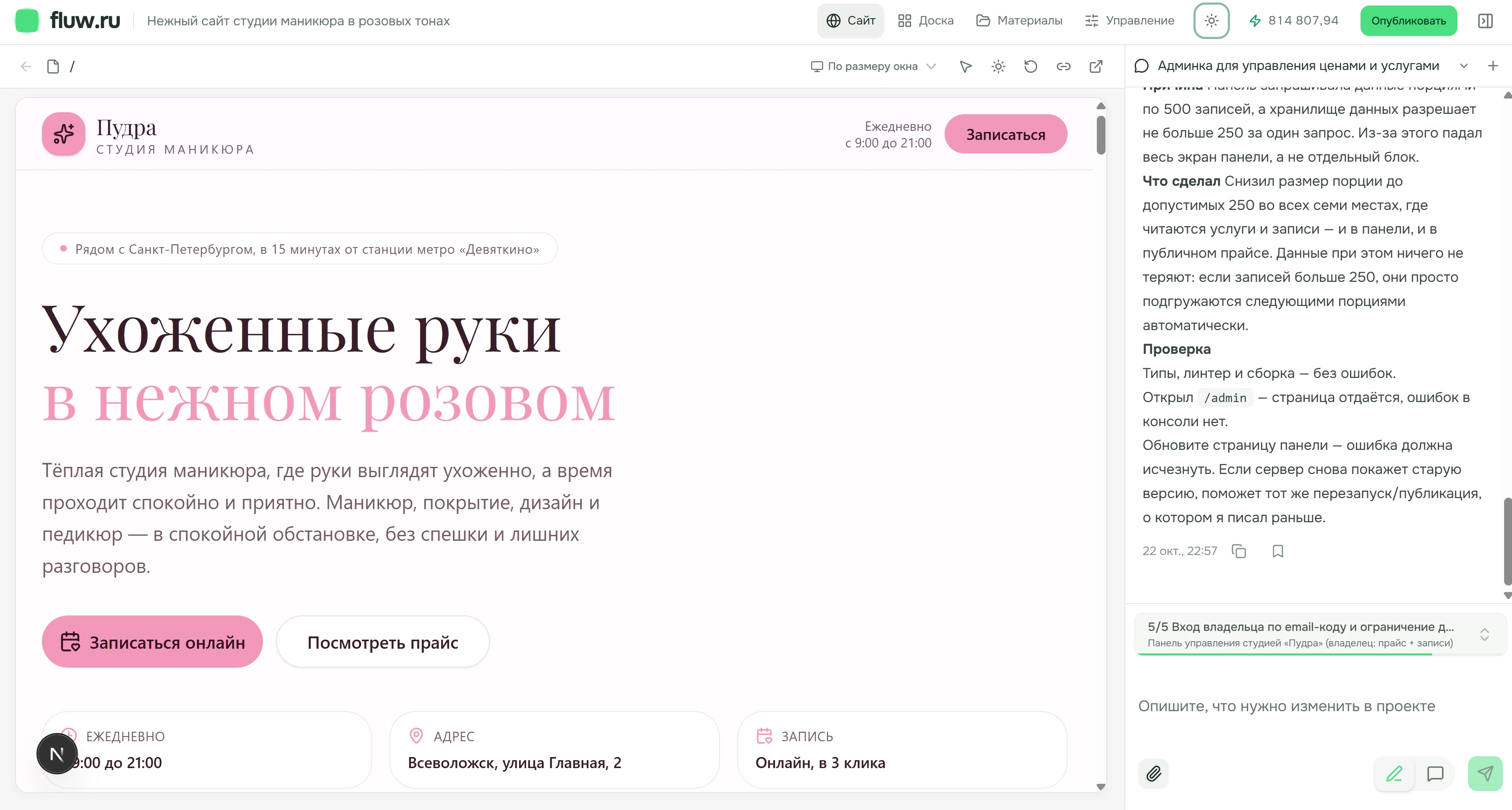
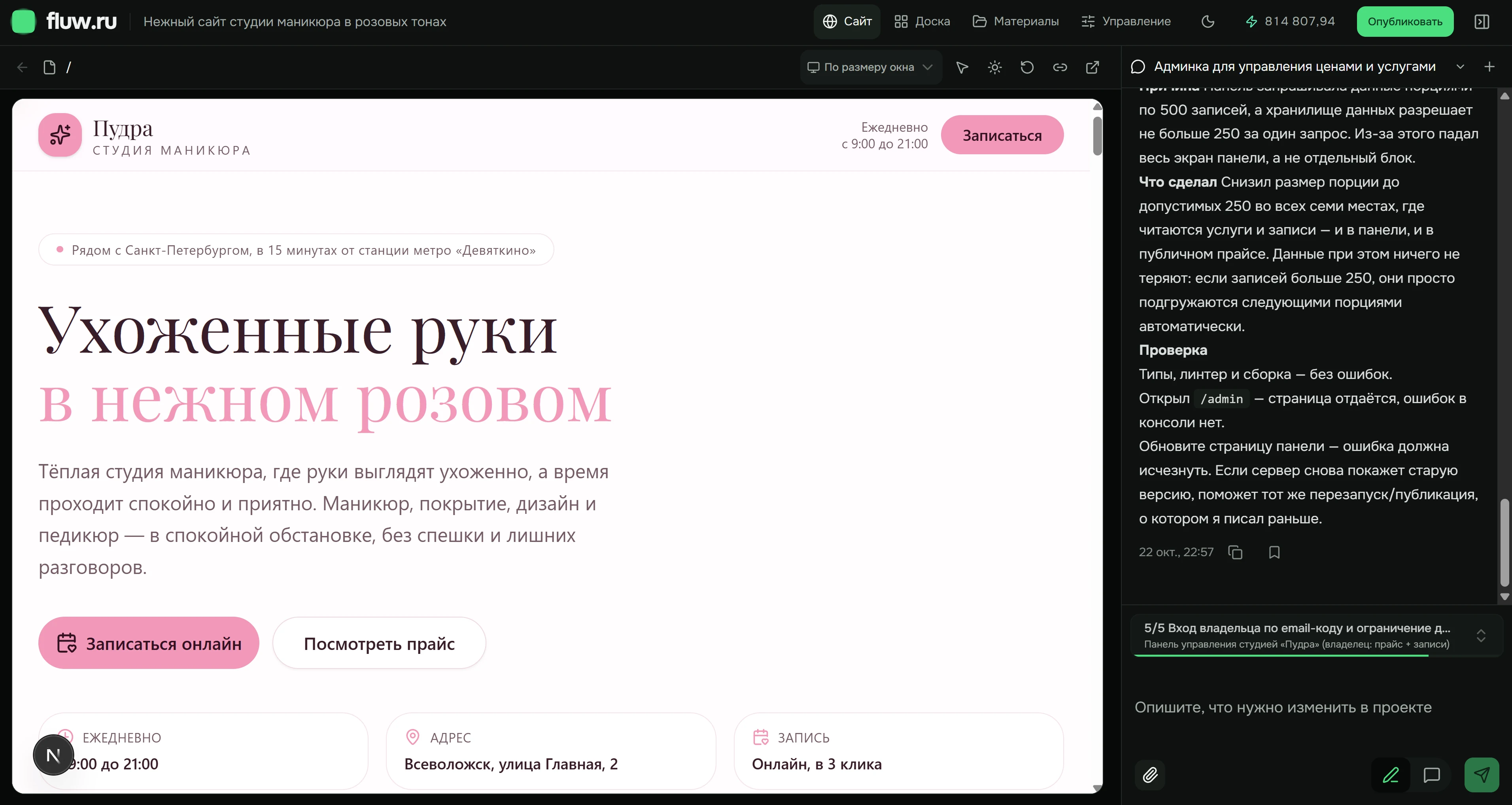
Inside Fluw · Pudra, a demonstration project in progress
What would you like to build?
Start with the action your visitor needs to take.
Business website
Explain your services, show your work and help customers get in touch.
02Landing page
Present one offer and give visitors a clear way to respond.
03Catalog
Show products, specifications and a path from choosing to sending a request.
04Client portal
Bring documents, requests and useful customer actions together.
05Internal tool
Describe a team process: requests, statuses, owners and outcomes.
Make changes in plain language
The conversation stays beside your project. Explain what needs to change, then review it in context.
Add duration and a meeting point to each tour. On phones, show them above the request button.
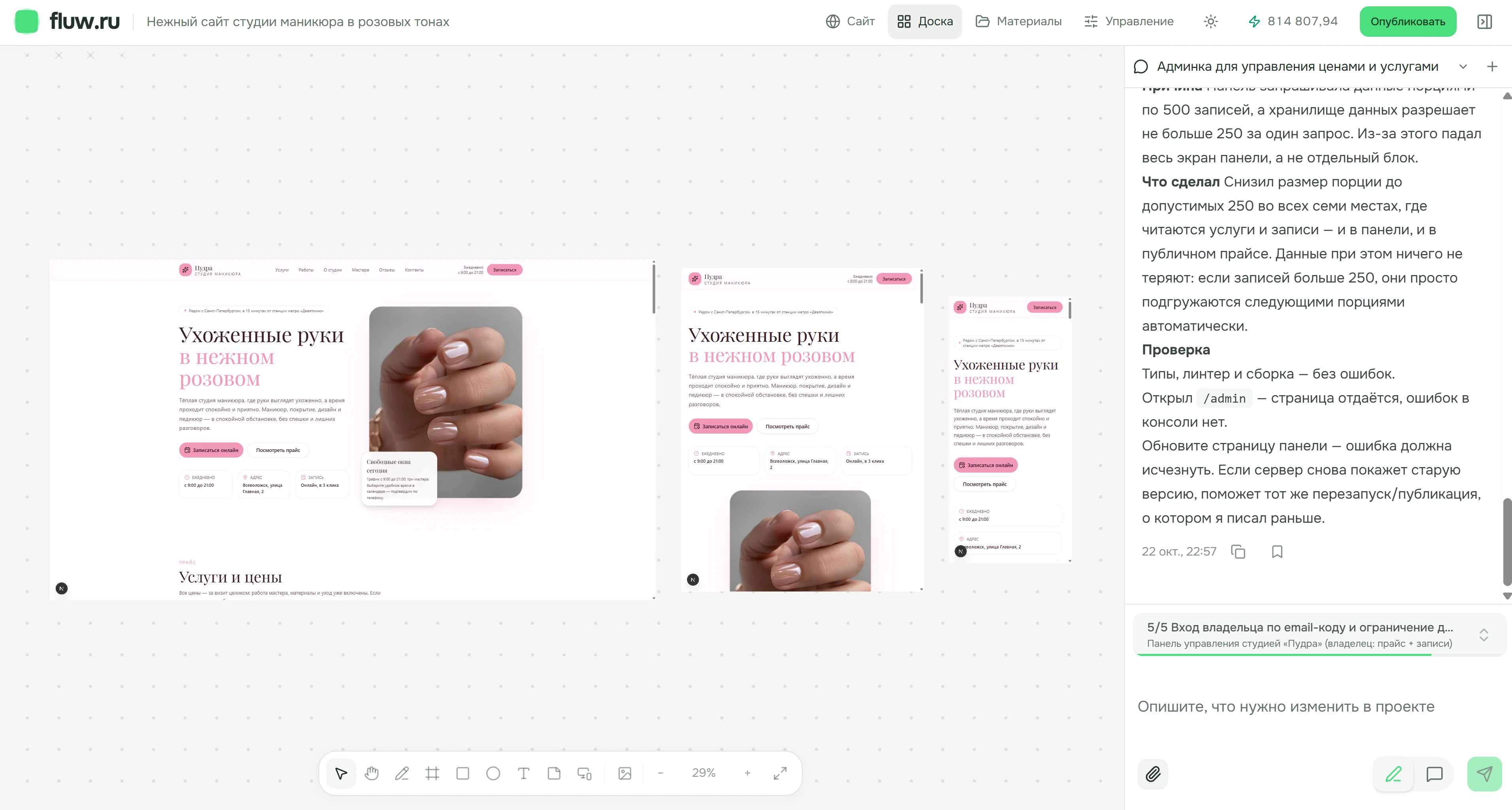
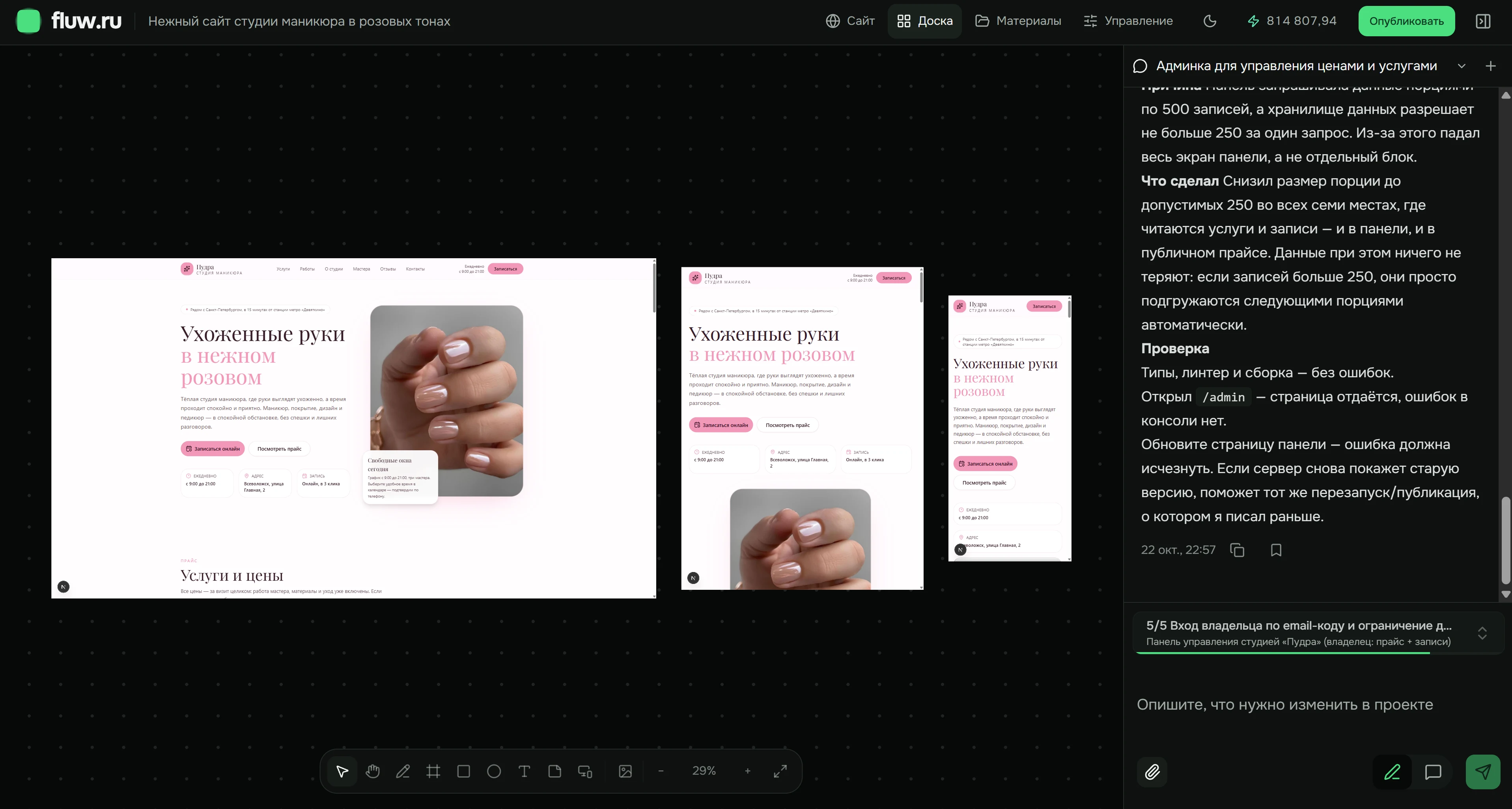
From a brief to a published project
Walk through the process ↗- 01
Describe the goal
Explain who the project is for and what a visitor should do. For example, choose a walking tour and contact its organizer.
- 02
Add your materials
Copy, photos, documents and reference links. Materials stay with the project beyond a single conversation.
- 03
Review the first version
Open the website in the browser. Compare desktop, tablet and phone layouts on the board.
- 04
Make changes
Ask for a different section, clearer copy or a layout adjustment. Check the result before moving on.
- 05
Check and publish
Review copy, links, forms and data. Prepare a publication from saved changes and follow its status.
- 06
Keep developing
Return to your materials, update content and prepare the next version.
Explore the kind of result you can build
The screenshots show the Pudra manicure studio website in Fluw. The interactive catalog is a separate example of choosing products and preparing a request with test data.
A subscription for your workload
Choose a plan by its project and AI usage limits. Current prices and terms are loaded from Fluw.
Here to help
Our team is here to help you finish your project
Tell us what you want to build, share your project and describe where you need a hand. We will help you work out the next step.
Before your first project
Do I need to know how to code?
Start by describing your goal in plain language. You review the content and behavior; complex logic and connections may need help from the team.
What can I create?
A business website, landing page, catalog, client portal or internal web tool. Start with one clear workflow and develop it after testing.
How do I make changes?
Describe the change in the conversation beside your project, add supporting materials and review the result in the browser.
How can I get help?
Email our team or contact us on Telegram. Include your project link and explain what you need.
Start with what you want to build
Your description opens as a draft after sign-up. Creating the project requires your confirmation.