The website builder
A website builder for your projects
Create pages, add your materials and make changes in your browser. Build with AI in Fluw, with our team ready to help you finish your project.
Open the builder ↗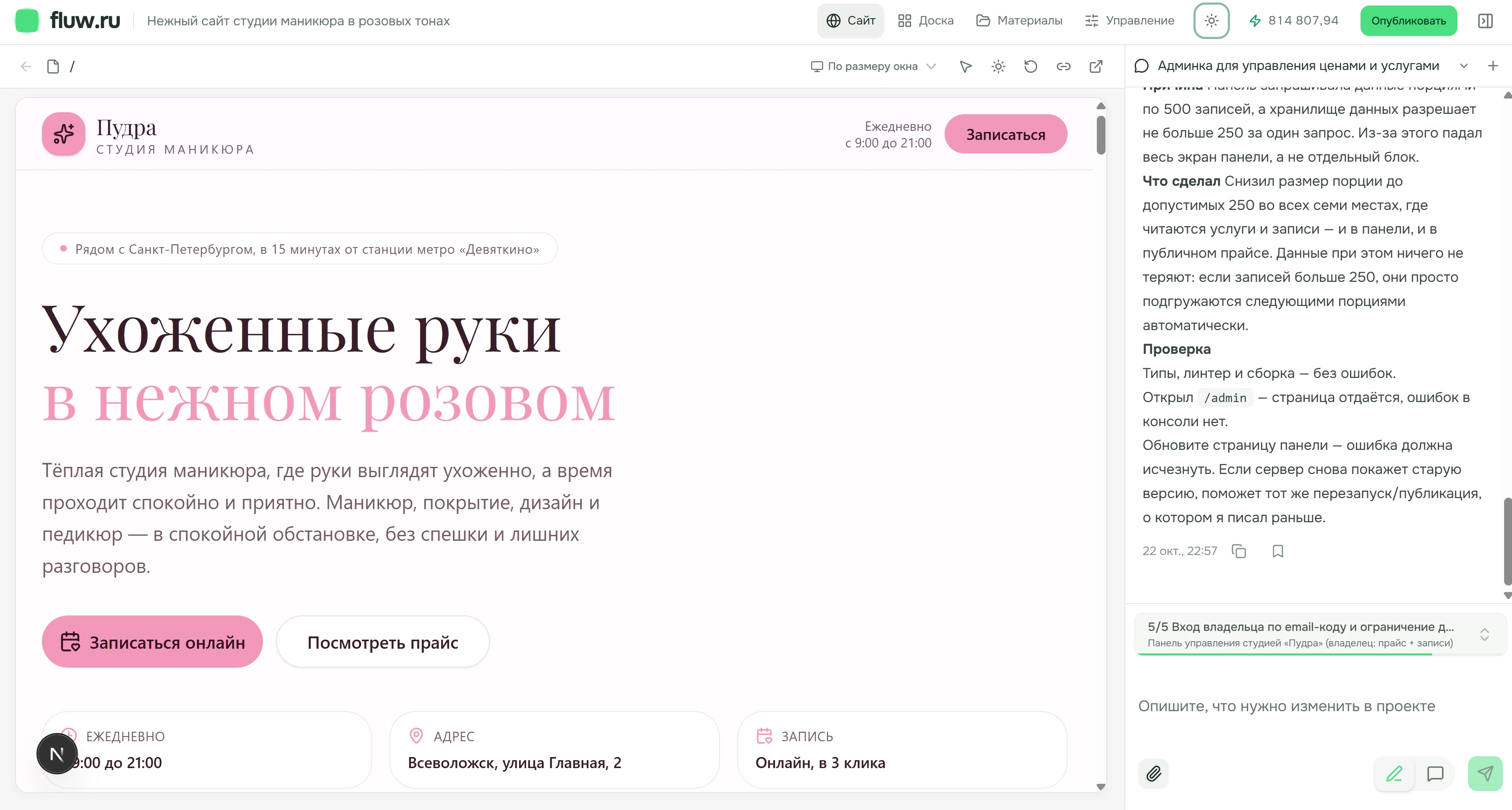
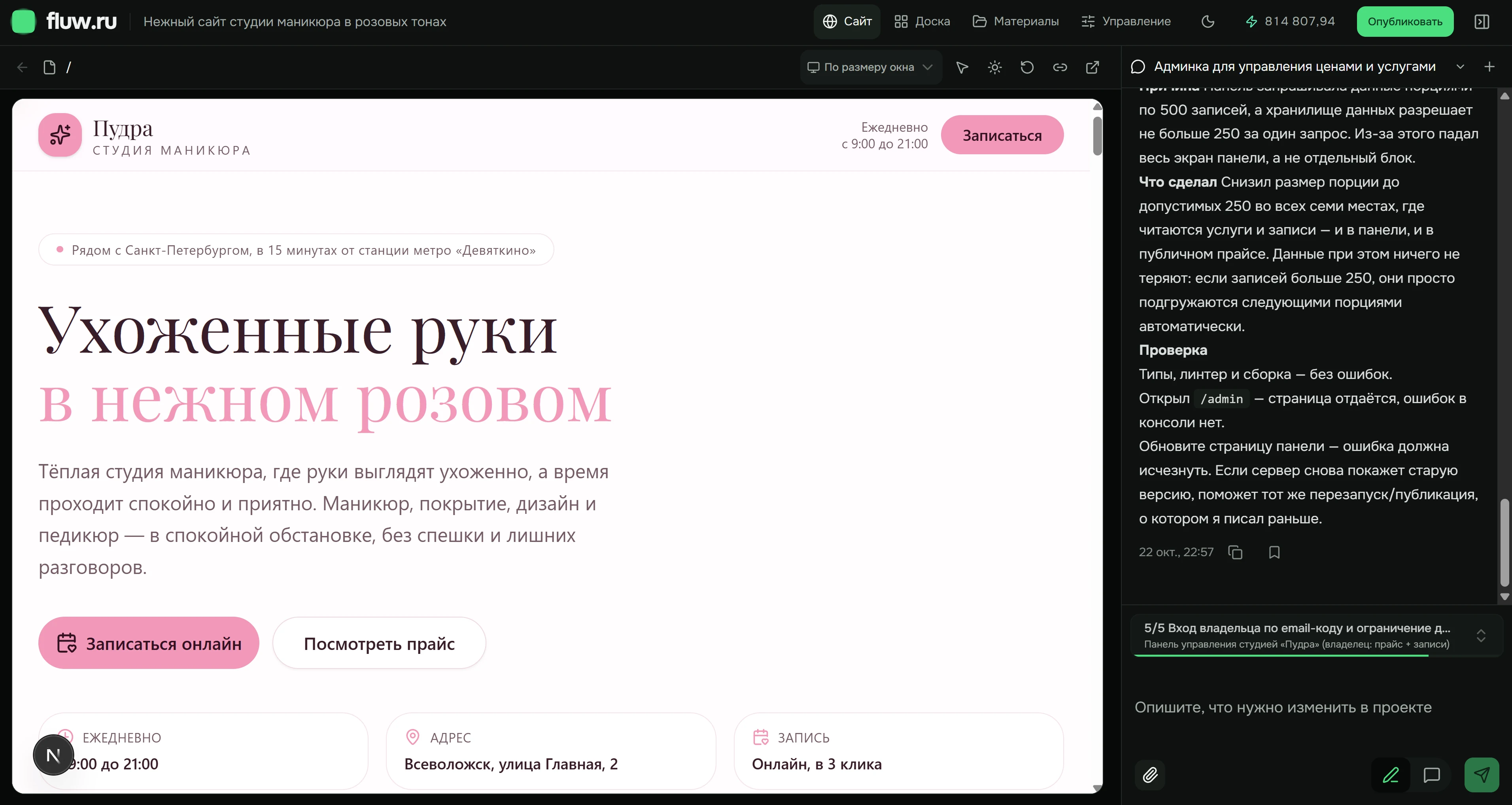
Your website and its workspace
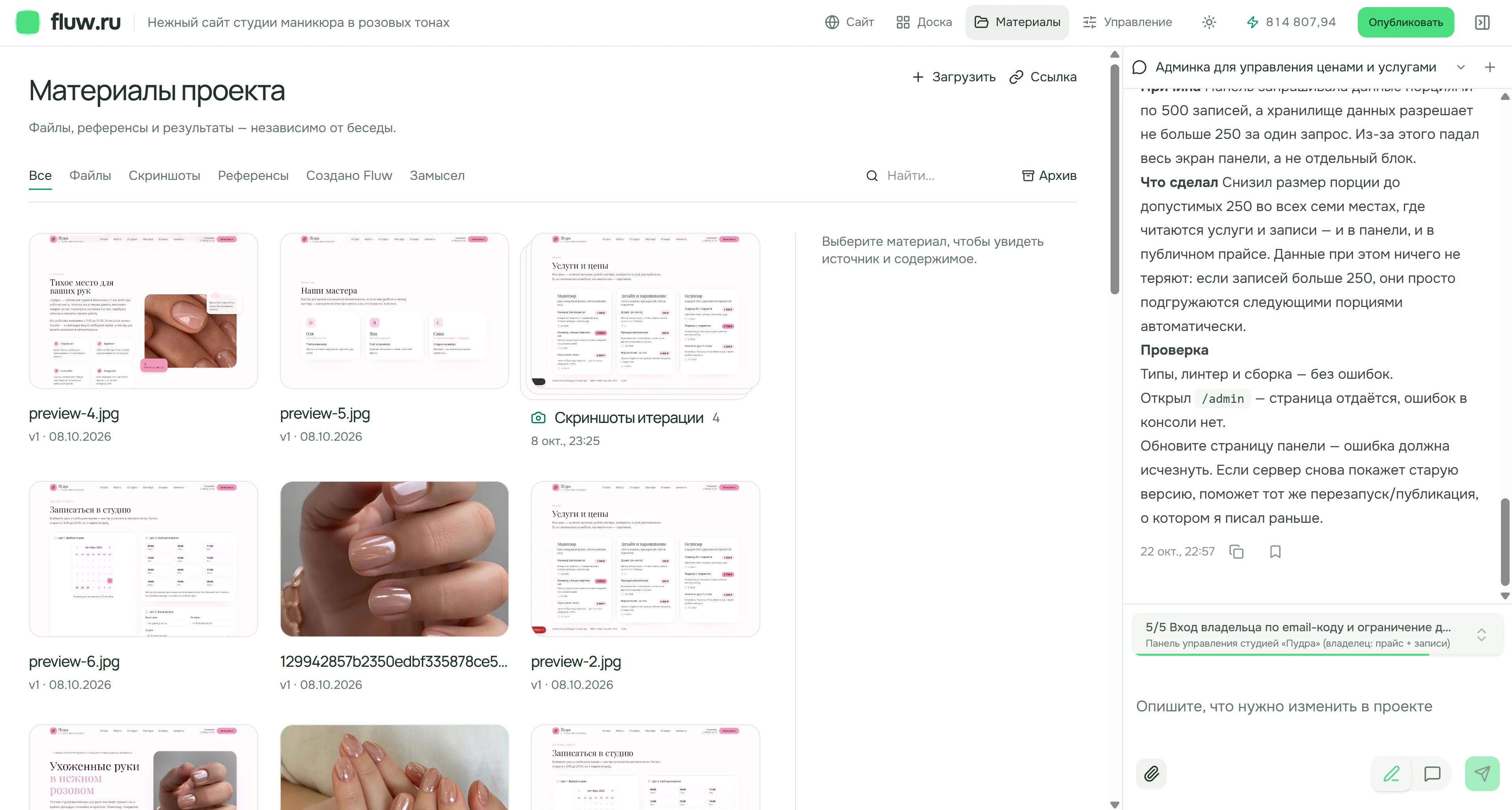
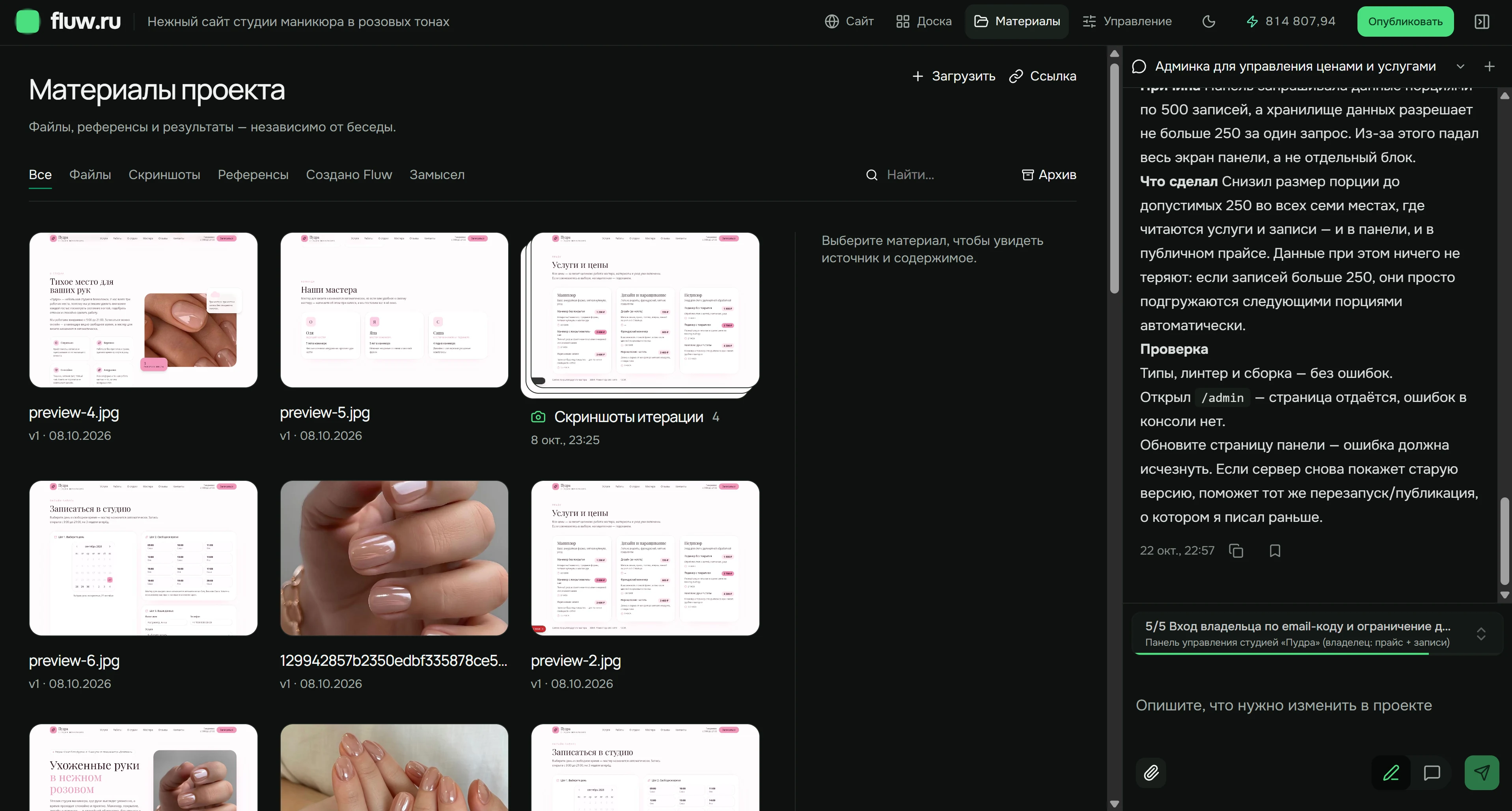
Open pages in Site to review the result. Use Board to view different screen sizes. Keep files, references and generated results in Materials.
Actual Fluw interface, shown in Russian. Pudra is a demonstration project in progress.
Your starting point
Bring your own words and images
Add photos, service descriptions, contact details and visual references. Say which materials belong on the page and which should only guide the design.
- Photos and descriptions
- Examples you like
- Files and links
Choose the format that fits
Start with the visitor’s goal. Then decide which pages belong in your project.
- Landing page
- One offer and a clear call to action
- Company website
- Services, work and contact details
- Catalog
- Product selection and inquiries
Give visitors a clear next step
For a service website, a visitor chooses a service, fills out a form and sees confirmation. Specify required fields and the recipient. Send a test request before launch and check the entire journey.
- Choose
A service and its details
- Contact
A form with the necessary fields
- Know what’s next
Confirmation and a clear next step
Edit content and structure
“Add a page about our services. Keep the contact details visible and replace the cover with my photo.”
Ask to add a page, replace an image or move contact details higher. Review each change in the preview and at a mobile screen size.
More about working with AI ↗Review and publish
Check links, forms and content. Prepare a version from saved changes in project management, then follow its publication status. A published website requires an active subscription.
The full process ↗- Text, images and contact details
- Links and form submissions
- The website on a mobile screen
- The saved version and publication status
Start with a suitable plan
Loading current plan terms…
All plan details ↗Questions about the builder
Do I need to code?
Start with a plain-language description. Complex rules and integrations may require technical help.
Can I change the structure?
Yes. Describe the pages, sections and navigation you need, then review the new version.
How do I add materials?
Upload files or add links in the project’s Materials area.
Where does my website run?
After successful publication, it opens at the project address in a browser. Without an active subscription the published site stops, while the project is retained indefinitely.
Your next website starts here
Need a hand? Our team is ready to help you finish your project. Contact us ↗