How Fluw works
From a description to your project
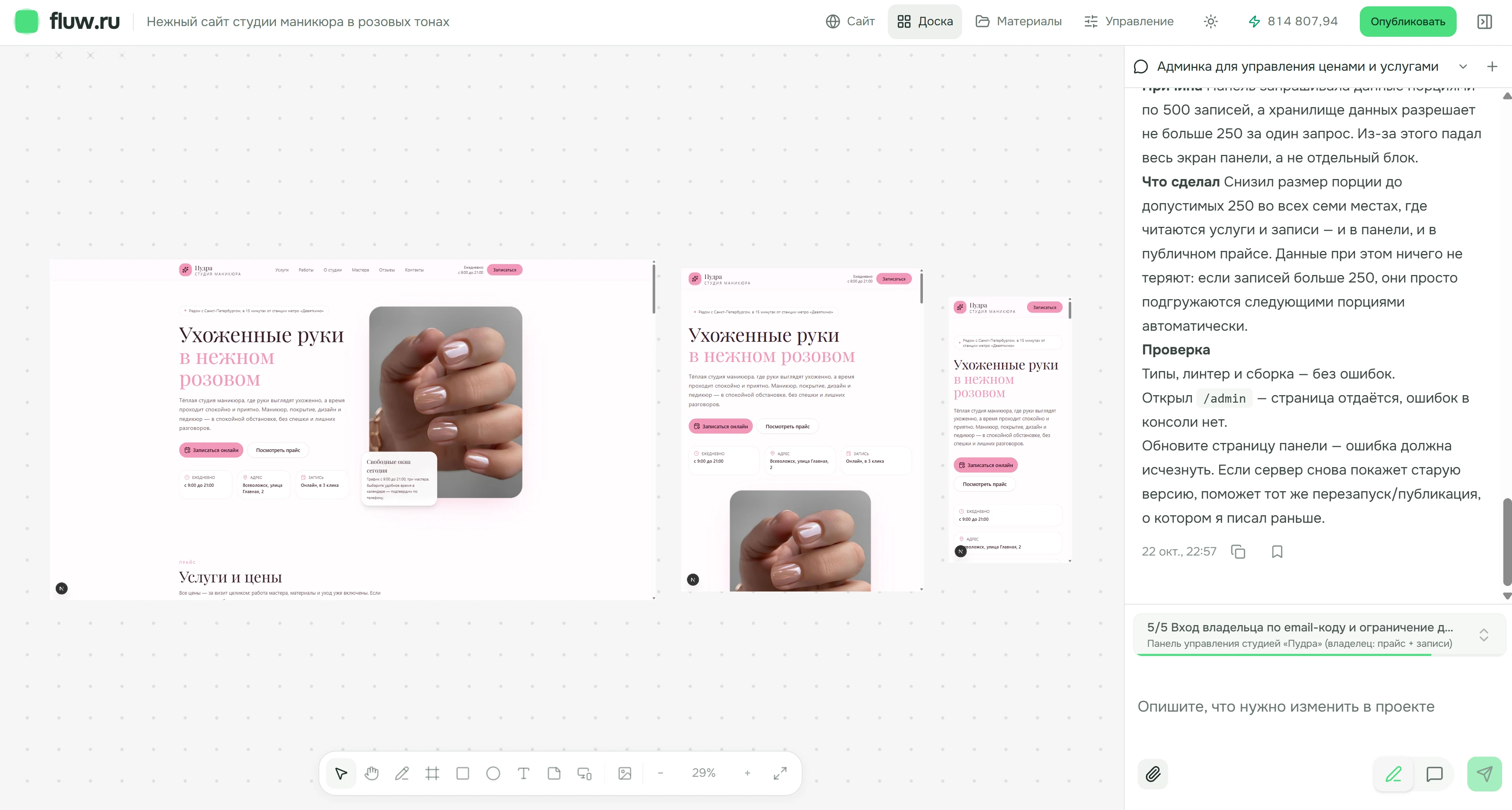
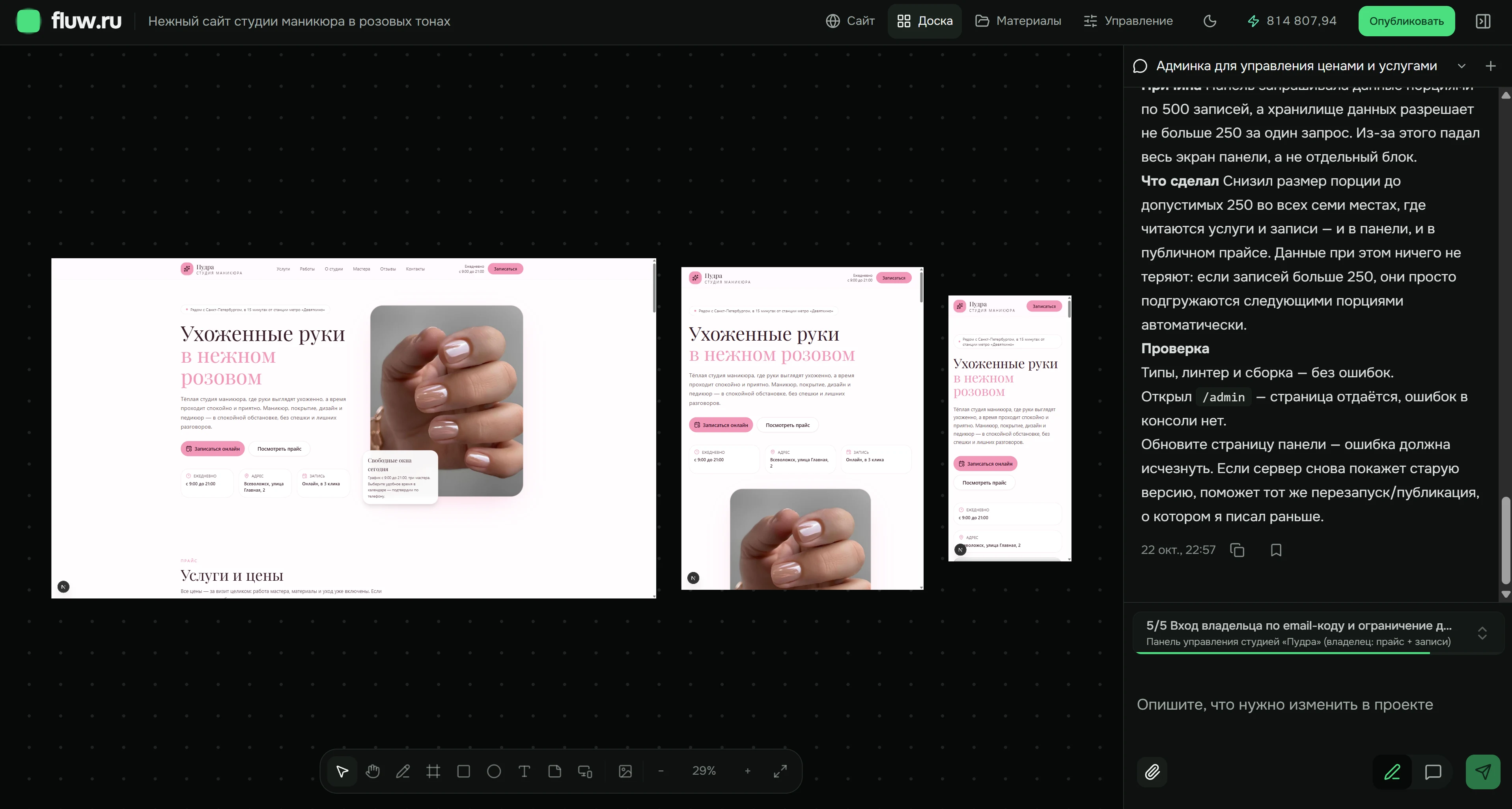
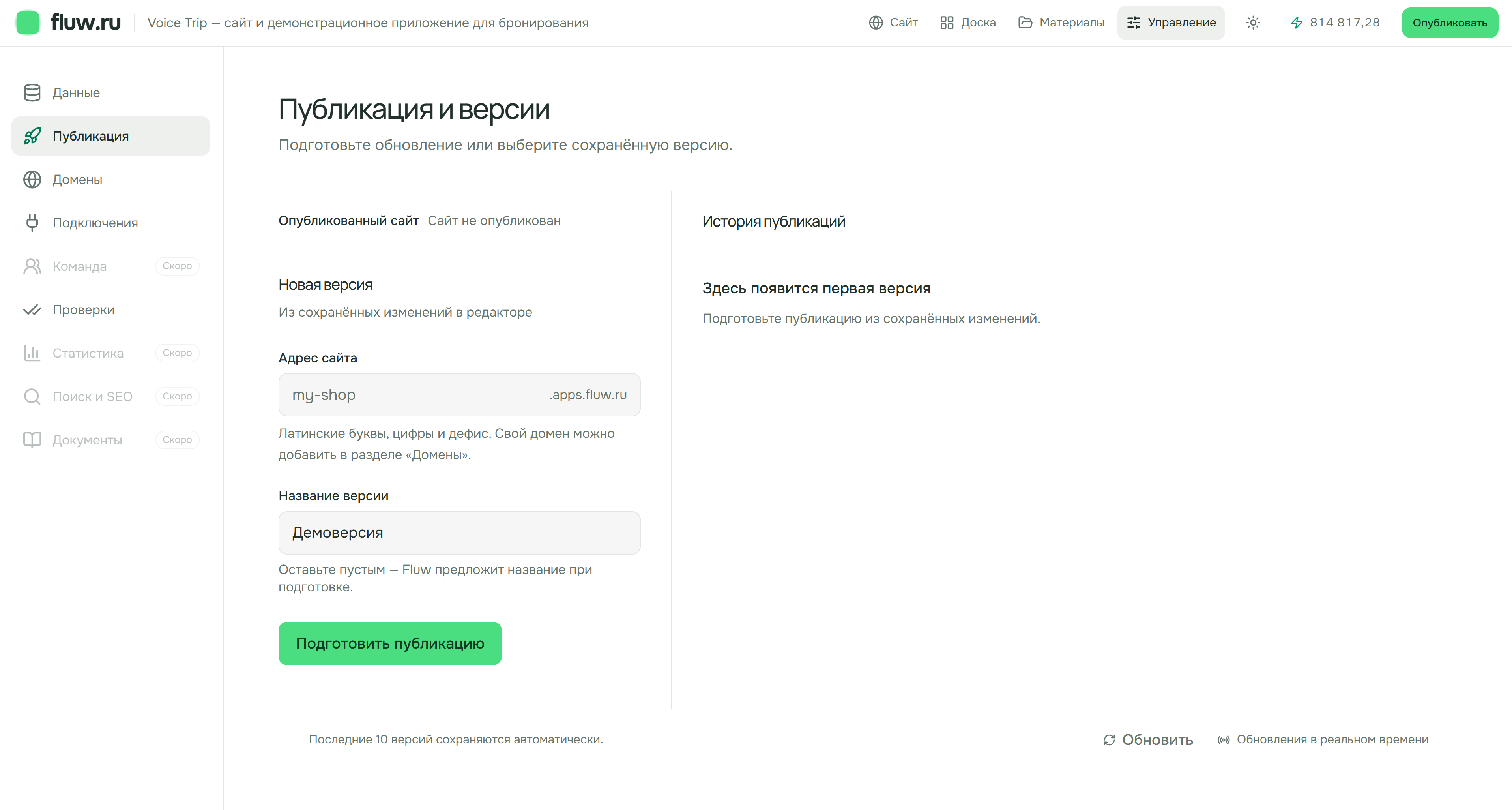
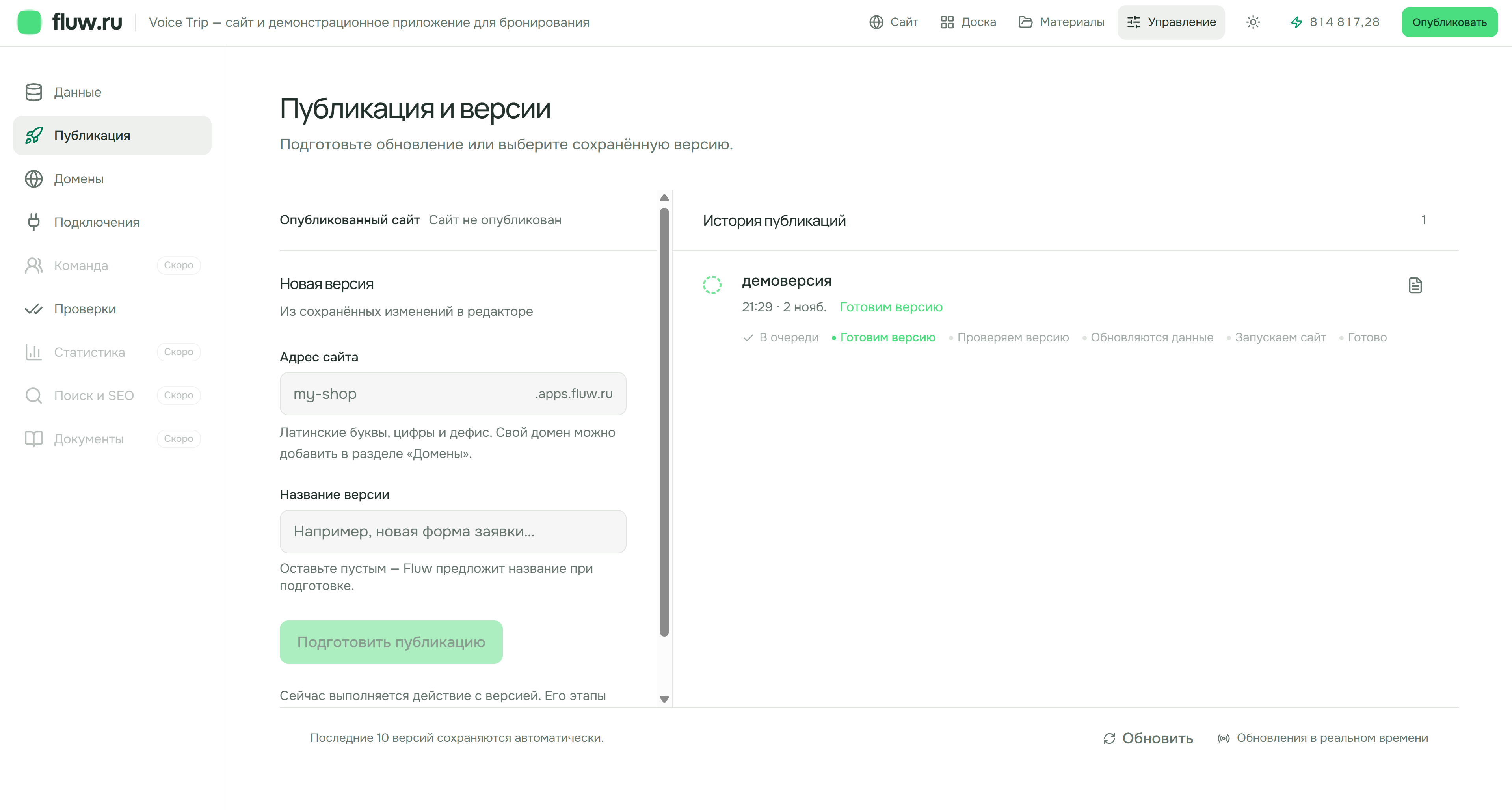
Describe, review and improve in one workspace. Website, board and materials screens show the Pudra manicure studio. Publication and version history use the Voice Trip demonstration project. The interface is shown in Russian.
01
Describe the task
Say who the project is for and what the visitor should do. For example: a website for city audio walks, with routes, descriptions and a way to contact the organizer.
02
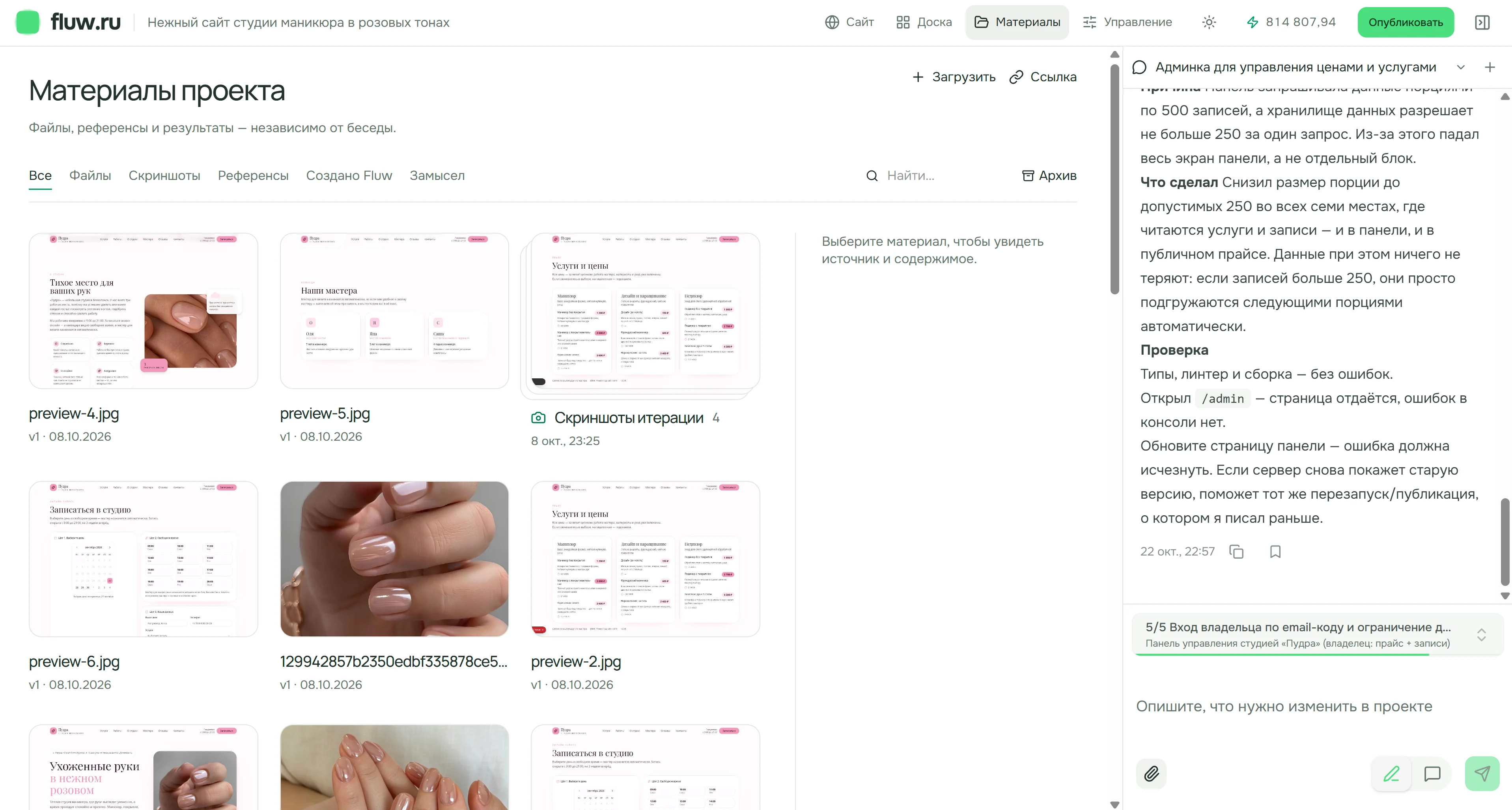
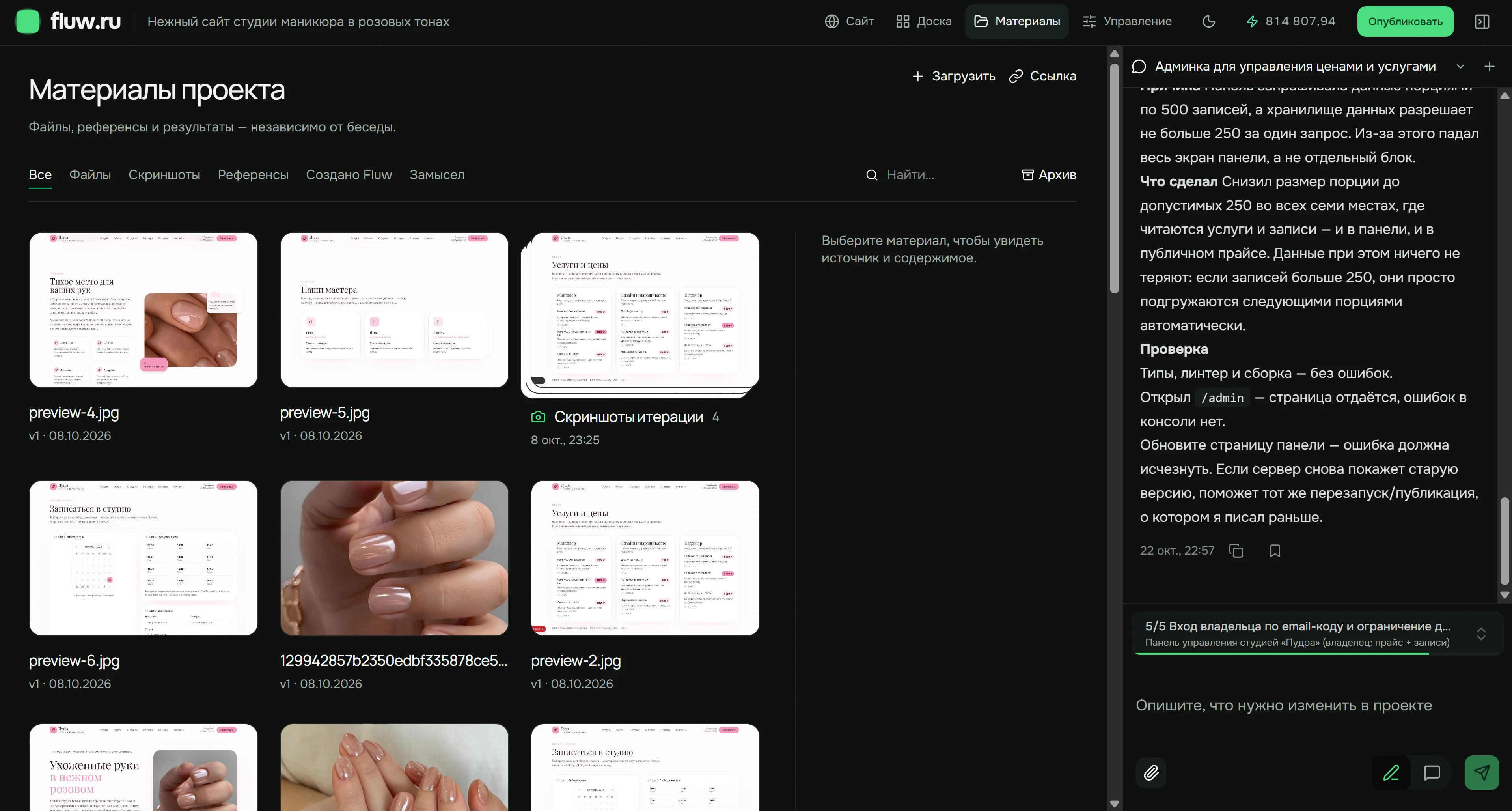
Add your materials
Upload copy, photos, documents and references. Materials stay with the project beyond a single conversation.
03
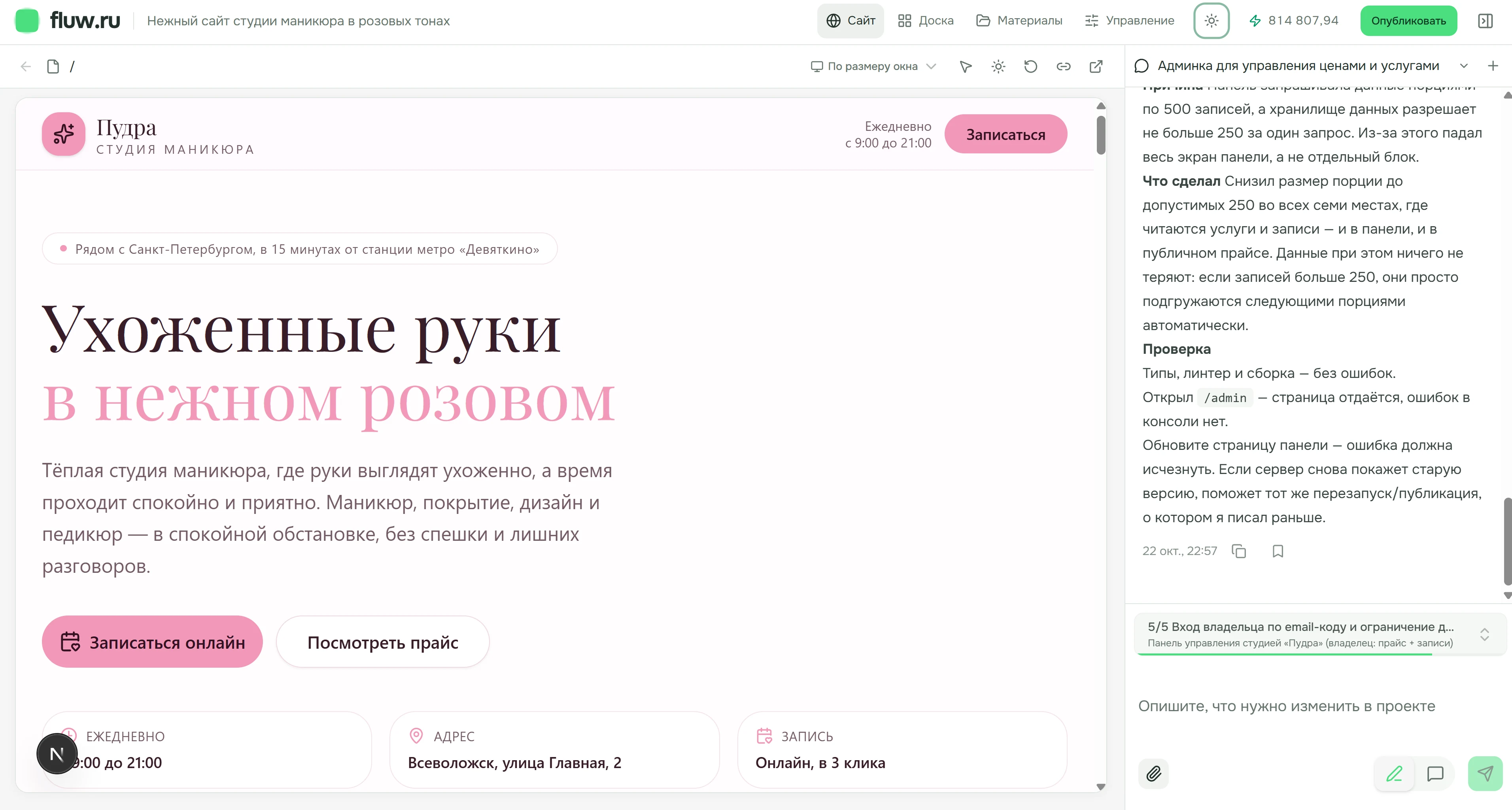
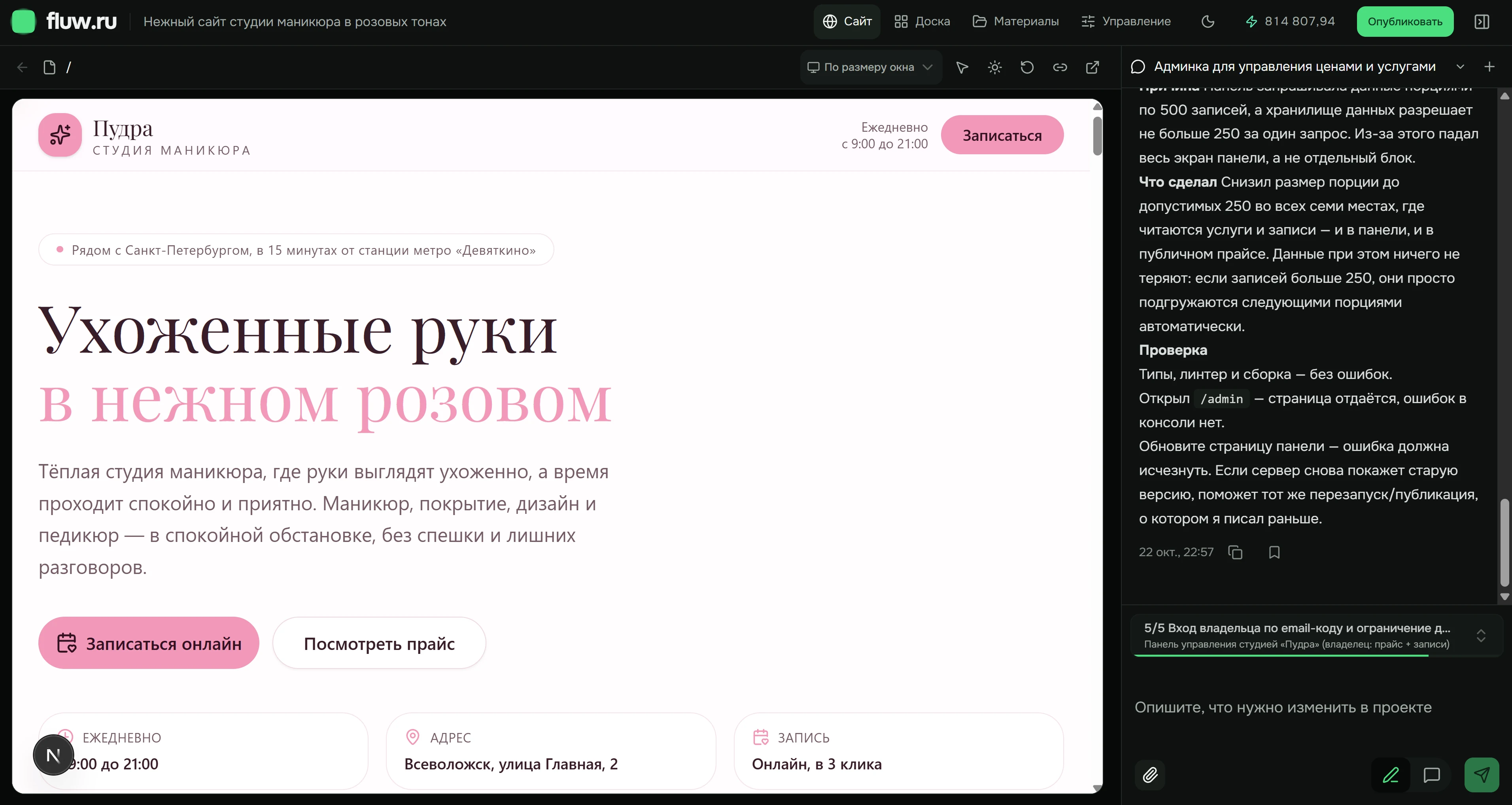
Review the first version
Open the website beside the conversation. Check the pages and content before deciding what to change.
04
Refine and compare
Ask for a specific change. Use the board to inspect desktop, tablet and phone layouts. Check data separately from how a screen looks.
05
Check and publish
Test links, forms, permissions and mobile behavior. Prepare a version from saved changes in project management. Follow its status until publication completes; the screenshot shows preparation, not completion.
06
Keep improving
Return to the project to update content, review data and prepare new versions. The published website needs an active subscription; the project is retained indefinitely.
Here to help
Our team is here to help you finish your project
Tell us what you want to build, share your project and describe where you need a hand. We will help you work out the next step.
Before you begin
What happens after registration?
Your task is saved as a draft. Review it and confirm project creation.
Does my project launch automatically?
No. Review the result and use the publication workflow when you are ready.
When will I see a result?
After the first iteration is prepared, open the preview. Time depends on the task and materials.
How can I get help?
Contact our team by email or Telegram with your goal and the part you need help with.