Engineers enter operating conditions
They specify requirements, units and constraints instead of guessing a product code.
Help engineers, procurement teams and dealers select a model and send sales a specific request. Your company decides which data is shown and how each enquiry is handled.
The buyer enters flow, head, working medium and material. The catalogue presents suitable models, approved alternatives and components, then keeps the selected items with the request.
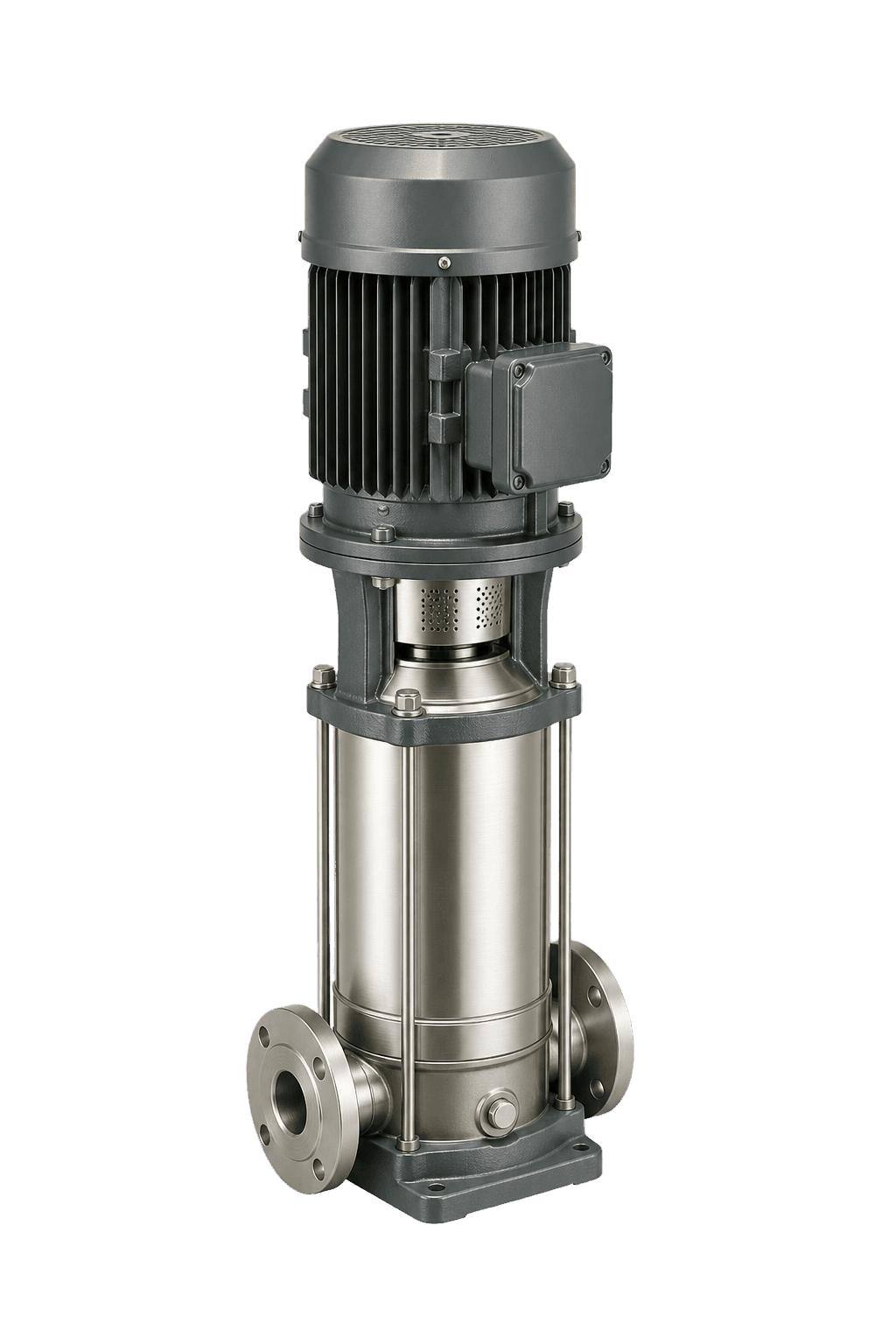
Demonstration model
Show 2 approved alternativesThey specify requirements, units and constraints instead of guessing a product code.
They see model differences, compatible items and alternatives approved by the company.
Selected items and specifications arrive with the enquiry, not a vague “need a pump” message.
You do not have to connect the accounting system for the first version. Start with a prepared file, verify the catalogue structure, and assess live data exchange separately.
SKUs, models, variants, images and product documents.
Specifications, units, mandatory constraints and compatibility rules.
Only prices, stock, lead times and statuses that buyers are allowed to see.
Contact fields, request destination and the next step after submission.
Each screen answers a concrete buyer question: what fits, how options differ and how to request a proposal.
Fluw does not replace your CRM or accounting system. Before launch, define the main business system, allowed fields and how the catalogue behaves when its data is unavailable.
Sections, filters, product cards, comparison, documents and the enquiry form — using agreed test data.
Source access, allowed fields, refresh frequency, request destination and a fallback scenario.
A new connector, complex engineering calculations, payments and logic with special access permissions.
Yes. Product fields, specifications and matching rules are enough for the first review. A system connection can be assessed after the screens are verified.
Only when the source, allowed fields and refresh frequency have been agreed. Until then, the page must clearly label test data.
Separate ordinary filters from calculation logic first. Formulas, tolerances and responsibility for engineering results need their own assessment.
No. Selection and quote requests are often enough for a B2B catalogue. Payments are added only for a confirmed flow and require a separate check.
Your company defines the recipient and request contents before launch. CRM or request-system delivery depends on an available API and agreed connection scope.
List the products, key selection criteria and what sales should receive. The task remains in the project after registration.